- Enjoy Series
- Honor Series
- Honor X9C Smart 5G
- Huawe Honor 200 Smart
- Huawe Magic 8 Lite
- Huawei Honor 10
- Huawei Honor 10 Lite
- Huawei Honor 20
- Huawei Honor 20 Lite
- Huawei Honor 20 Pro
- Huawei Honor 200
- Huawei Honor 200 LIte
- Huawei Honor 200 Pro
- Huawei Honor 30
- Huawei Honor 300
- Huawei Honor 300 Pro
- Huawei Honor 300 Ultra
- Huawei Honor 400
- Huawei Honor 400 Lite
- Huawei Honor 400 Pro
- Huawei Honor 400 Smart
- Huawei Honor 400 Smart 5G
- Huawei Honor 4C
- Huawei Honor 50
- Huawei Honor 50 Lite
- Huawei Honor 50SE
- Huawei Honor 5C
- Huawei Honor 5X
- Huawei Honor 6C
- Huawei Honor 6X
- Huawei Honor 7
- Huawei Honor 70
- Huawei Honor 70 lite
- Huawei Honor 7A
- Huawei Honor 7S
- Huawei Honor 7X
- Huawei Honor 8
- Huawei Honor 8 Lite
- Huawei Honor 8A
- Huawei Honor 8X
- Huawei Honor 9
- Huawei Honor 9 Lite
- Huawei Honor 90
- Huawei Honor 90 lite
- Huawei Honor 90 Smart
- Huawei Honor 9A
- Huawei Honor 9X
- Huawei Honor Magic 4 Lite
- Huawei Honor Magic 4 pro
- Huawei Honor Magic 5 Lite
- Huawei Honor Magic 5 pro
- Huawei Honor Magic 6 Lite
- Huawei Honor Magic 6 pro
- Huawei Honor Magic 7
- Huawei Honor Magic 7 Lite
- Huawei Honor Play
- Huawei Honor V30
- Huawei Honor View 10
- Huawei Honor View 10 Lite
- Huawei Honor View 20
- Huawei Honor X5 4G
- HUAWEI HONOR X5B
- Huawei Honor X5C
- Huawei Honor X6
- Huawei Honor X6A
- Huawei Honor X6B
- Huawei Honor X6C
- Huawei Honor X7
- Huawei Honor X7A
- Huawei Honor X7B
- Huawei Honor X7C
- Huawei Honor X7D
- Huawei Honor X8
- Huawei Honor X8A
- Huawei Honor X8B
- Huawei Honor X8C
- Huawei Honor X9
- Huawei Honor X9A
- Huawei Honor X9B
- Huawei Honor X9C
- Huawei Nova 10 SE
- magic 7 pro
- Huawei Tablets
- Huawei MatePad Pro 12.2 2025
- Honor Pad X8A
- Huawe Honor Pad V9
- Huawei Honor Magic Pad 2
- Huawei Honor Pad 10
- Huawei Honor Pad 8
- Huawei Honor Pad 9
- Huawei Honor Pad X8
- Huawei Honor Pad X9 2025
- Huawei Honor Pad X9A
- Huawei MatePad 10.4
- Huawei MatePad 10.4 SE
- Huawei MatePad 11
- Huawei MatePad 11.5
- Huawei MatePad 11.5S
- Huawei MatePad 12X
- Huawei Mediapad M3 Lite
- Huawei Mediapad M5 10.8
- Huawei MediaPad M5 8.4
- Huawei MediaPad M5 Lite
- Huawei MediaPad M6
- Huawei MediaPad T1
- Huawei MediaPad T10
- Huawei MediaPad T10S
- Huawei MediaPad T3
- Huawei MediaPad T5
- Mate Series
- Others Series HW
- P Series
- Huawei P8 Lite 2018
- Huawei P9
- Huawei P9 Lite
- Huawei P10
- Huawei P10 Lite
- Huawei P10 Plus
- Huawei P20
- Huawei P20 Lite
- Huawei P20 Lite 2019
- Huawei P20 Pro
- Huawei P30
- Huawei P30 Lite
- Huawei P30 Pro
- Huawei P40
- Huawei P40 Lite
- Huawei P40 Lite 5G
- Huawei P40 Lite E
- Huawei P40 Pro
- Huawei P40 Pro Plus
- Huawei P7
- Huawei P8
- Huawei P8 Lite
- Huawei P8 Lite 2017
- Huawei P8 Lite Smart
- Huawei P9 Plus
- Huawei Psmart
- Huawei Psmart 2019
- Huawei Psmart 2020
- Huawei Psmart 2021
- Huawei Psmart Plus
- Huawei Psmart Plus 2019
- Huawei Psmart S
- Huawei Psmart Z
- P Smart Pro 2019
- Y Series
- Huawei Y7 2017
- Huawei Y5 2017
- Huawei Y5 2018
- Huawei Y5 2019
- Huawei Y5 II
- Huawei Y5 P
- Huawei Y6
- Huawei Y6 2017
- Huawei Y6 2018
- Huawei Y6 2019
- Huawei Y6 II
- Huawei Y6 Pro
- Huawei Y6 Pro 2017
- Huawei Y7 2018
- Huawei Y7 2019
- Huawei Y7 Prime 2018
- Huawei Y7 Prime 2019
- Huawei Y7 Pro 2019
- Huawei Y8S
- Huawei Y9 2018
- Huawei Y9 2019
- Y6 P


Water Damaged Phone: Immediate Steps & Repair Options (Complete Guide)
Water Damaged Phone: Immediate Steps & Repair Options (Complete Guide)
Dropping your phone in water whether it’s a sink, a pool, or a spilled drink is a heart-stopping moment. Your photos, contacts, and work are suddenly at risk.
Panic is your phone’s worst enemy. While it feels like a disaster, the actions you take in the next 10 minutes will determine if your phone survives or becomes a permanent paperweight. Before you try any “home hacks,” follow this expert-approved emergency protocol.
What to Do Immediately After Water Damage
Time is critical. Follow these steps to stop the damage from spreading:
- Turn it OFF Immediately: This is the most important step. Electricity and water don’t mix; turning it off prevents a fatal short circuit.
- Remove SIM Trays & Accessories: Take out the SIM card, memory card, and any protective cases. This allows trapped moisture to escape.
- Dry the Exterior: Use a soft microfiber cloth or a paper towel to gently dab the surface. Do not shake the phone, as this can push water deeper inside.
- Keep it Upright: Position the phone vertically to let gravity help any liquid drain out of the charging port.
STOP: Do NOT Do This
- Do NOT Charge it: Plugging in a wet phone is a guaranteed way to fry the motherboard.
- Do NOT Use a Hair Dryer: Excessive heat can melt internal seals and damage the screen.
- Do NOT Press Buttons: This can push liquid further into the device’s internal layers.
Mistakes That Can Ruin Your Phone (The Rice Myth)
Many people believe the “Rice Method” is a magic cure. It is not. Rice is ineffective at pulling moisture from deep inside a phone and introduces dust and starch into the charging ports, which causes further corrosion. Shaking the phone or using compressed air is equally dangerous, as it forces water into the most sensitive components.
What Water Damage Does to Your Phone
Water damage isn’t just about the liquid; it’s about corrosion.
- Short Circuits: Liquid creates new electrical paths that destroy chips instantly.
- Corrosion: Even if the phone dries, minerals in the water stay behind and eat away at the metal circuits over time.
- Battery Swelling: Water can cause the lithium-ion battery to become unstable and dangerous.
Signs Your Phone Needs Professional Repair
If you notice any of these “after-shocks,” internal damage has already started:
- Phone is not turning on (even after drying).
- Screen flickering or dark spots under the glass.
- Ghost touches or unresponsive screen areas.
- Speaker sounds muffled or distorted.
- Rapid battery drain or the phone getting unusually hot.
Can You Fix a Water Damaged Phone at Home?
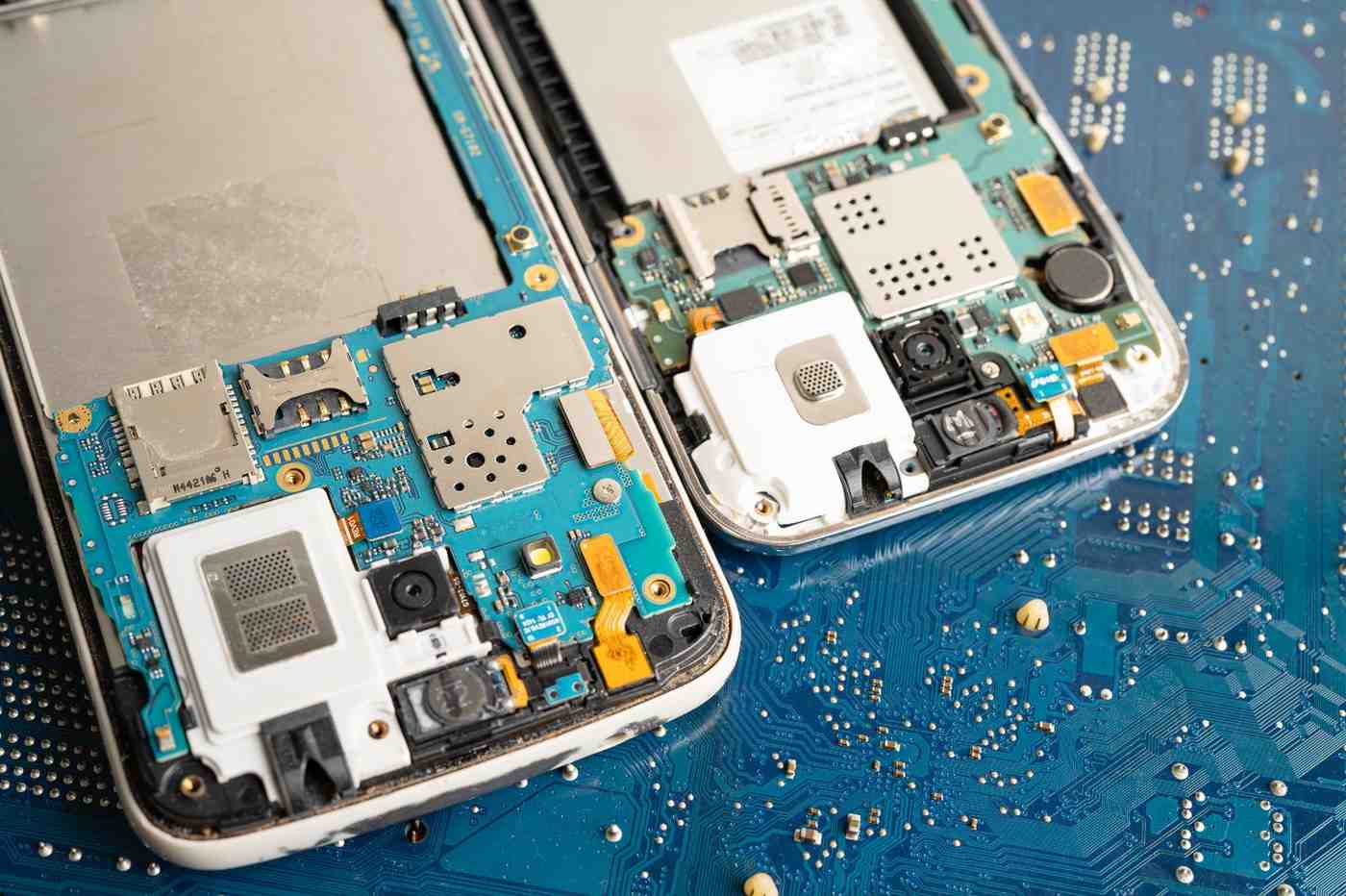
You can dry the outside at home, but you cannot fix the inside. Water gets trapped under metal shields and inside the logic board where air cannot reach. Without professional-grade ultrasonic cleaning and specialized chemicals, corrosion will eventually kill the device.
Professional repair is the only way to ensure 100% recovery.
Why Choose FixMoviles for Water Damage Repair
At FixMoviles, we specialize in emergency liquid recovery. We don’t just “dry” your phone; we restore it.
- Advanced Diagnostic Tools: We pinpoint exactly where the moisture is trapped.
- Ultrasonic Cleaning: We use professional technology to remove corrosion from the motherboard.
- Internal Component Repair: Our technicians can fix micro-circuits damaged by shorting.
- Data Protection: We prioritize getting your phone functional so your data is safe.
- Affordable & Fast: We offer transparent pricing and the fastest turnaround in the area.
Our Water Damage Repair Process
- Deep Inspection: We open the device to see the extent of the liquid entry.
- Decontamination: We remove all moisture and mineral deposits.
- Part Replacement: If a battery or screen is fried, we replace it with high-quality parts.
- Full Stress Test: We test every function (Wi-Fi, Camera, Touch) before you get it back.
Get Immediate Help for Your Water Damaged Phone
The longer you wait, the higher the risk of permanent corrosion. A phone that works today might die tomorrow if the internal moisture isn’t professionally removed.
Don’t gamble with your expensive device. Let the experts at FixMoviles save your phone today.
FAQ (Frequently Asked Questions)
Q: Can a water-damaged phone be fixed? Yes, most phones can be saved if they are brought to a professional like FixMoviles within the first 24–48 hours.
Q: How long should I wait before turning it on? Never turn it on until a professional has verified it is dry inside. Even after 48 hours in a dry place, moisture can remain inside the internal components.
Q: Does rice really work? No. Professional technicians advise against it because it is ineffective and introduces harmful debris into your phone.
Q: Is my data safe? In most cases, yes! By bringing it to us quickly, we can prevent the motherboard damage that causes data loss.
Recent Blogs
Phone Overheating Issues: Causes, Fixes & Professional Repair Solutions
If your phone feels like a hot brick in your hand, you aren’t just dealing with an annoyance you are
Touch Screen Not Working? Here’s What You Should Do
We have all been there. You are in the middle of an important call or trying to send an urgent