- Enjoy Series
- Honor Series
- Honor X9C Smart 5G
- Huawe Honor 200 Smart
- Huawe Magic 8 Lite
- Huawei Honor 10
- Huawei Honor 10 Lite
- Huawei Honor 20
- Huawei Honor 20 Lite
- Huawei Honor 20 Pro
- Huawei Honor 200
- Huawei Honor 200 LIte
- Huawei Honor 200 Pro
- Huawei Honor 30
- Huawei Honor 300
- Huawei Honor 300 Pro
- Huawei Honor 300 Ultra
- Huawei Honor 400
- Huawei Honor 400 Lite
- Huawei Honor 400 Pro
- Huawei Honor 400 Smart
- Huawei Honor 400 Smart 5G
- Huawei Honor 4C
- Huawei Honor 50
- Huawei Honor 50 Lite
- Huawei Honor 50SE
- Huawei Honor 5C
- Huawei Honor 5X
- Huawei Honor 6C
- Huawei Honor 6X
- Huawei Honor 7
- Huawei Honor 70
- Huawei Honor 70 lite
- Huawei Honor 7A
- Huawei Honor 7S
- Huawei Honor 7X
- Huawei Honor 8
- Huawei Honor 8 Lite
- Huawei Honor 8A
- Huawei Honor 8X
- Huawei Honor 9
- Huawei Honor 9 Lite
- Huawei Honor 90
- Huawei Honor 90 lite
- Huawei Honor 90 Smart
- Huawei Honor 9A
- Huawei Honor 9X
- Huawei Honor Magic 4 Lite
- Huawei Honor Magic 4 pro
- Huawei Honor Magic 5 Lite
- Huawei Honor Magic 5 pro
- Huawei Honor Magic 6 Lite
- Huawei Honor Magic 6 pro
- Huawei Honor Magic 7
- Huawei Honor Magic 7 Lite
- Huawei Honor Play
- Huawei Honor V30
- Huawei Honor View 10
- Huawei Honor View 10 Lite
- Huawei Honor View 20
- Huawei Honor X5 4G
- HUAWEI HONOR X5B
- Huawei Honor X5C
- Huawei Honor X6
- Huawei Honor X6A
- Huawei Honor X6B
- Huawei Honor X6C
- Huawei Honor X7
- Huawei Honor X7A
- Huawei Honor X7B
- Huawei Honor X7C
- Huawei Honor X7D
- Huawei Honor X8
- Huawei Honor X8A
- Huawei Honor X8B
- Huawei Honor X8C
- Huawei Honor X9
- Huawei Honor X9A
- Huawei Honor X9B
- Huawei Honor X9C
- Huawei Nova 10 SE
- magic 7 pro
- Huawei Tablets
- Huawei MatePad Pro 12.2 2025
- Honor Pad X8A
- Huawe Honor Pad V9
- Huawei Honor Magic Pad 2
- Huawei Honor Pad 10
- Huawei Honor Pad 8
- Huawei Honor Pad 9
- Huawei Honor Pad X8
- Huawei Honor Pad X9 2025
- Huawei Honor Pad X9A
- Huawei MatePad 10.4
- Huawei MatePad 10.4 SE
- Huawei MatePad 11
- Huawei MatePad 11.5
- Huawei MatePad 11.5S
- Huawei MatePad 12X
- Huawei Mediapad M3 Lite
- Huawei Mediapad M5 10.8
- Huawei MediaPad M5 8.4
- Huawei MediaPad M5 Lite
- Huawei MediaPad M6
- Huawei MediaPad T1
- Huawei MediaPad T10
- Huawei MediaPad T10S
- Huawei MediaPad T3
- Huawei MediaPad T5
- Mate Series
- Others Series HW
- P Series
- Huawei P8 Lite 2018
- Huawei P9
- Huawei P9 Lite
- Huawei P10
- Huawei P10 Lite
- Huawei P10 Plus
- Huawei P20
- Huawei P20 Lite
- Huawei P20 Lite 2019
- Huawei P20 Pro
- Huawei P30
- Huawei P30 Lite
- Huawei P30 Pro
- Huawei P40
- Huawei P40 Lite
- Huawei P40 Lite 5G
- Huawei P40 Lite E
- Huawei P40 Pro
- Huawei P40 Pro Plus
- Huawei P7
- Huawei P8
- Huawei P8 Lite
- Huawei P8 Lite 2017
- Huawei P8 Lite Smart
- Huawei P9 Plus
- Huawei Psmart
- Huawei Psmart 2019
- Huawei Psmart 2020
- Huawei Psmart 2021
- Huawei Psmart Plus
- Huawei Psmart Plus 2019
- Huawei Psmart S
- Huawei Psmart Z
- P Smart Pro 2019
- Y Series
- Huawei Y7 2017
- Huawei Y5 2017
- Huawei Y5 2018
- Huawei Y5 2019
- Huawei Y5 II
- Huawei Y5 P
- Huawei Y6
- Huawei Y6 2017
- Huawei Y6 2018
- Huawei Y6 2019
- Huawei Y6 II
- Huawei Y6 Pro
- Huawei Y6 Pro 2017
- Huawei Y7 2018
- Huawei Y7 2019
- Huawei Y7 Prime 2018
- Huawei Y7 Prime 2019
- Huawei Y7 Pro 2019
- Huawei Y8S
- Huawei Y9 2018
- Huawei Y9 2019
- Y6 P


Phone Overheating Issues: Causes, Fixes & Professional Repair Solutions
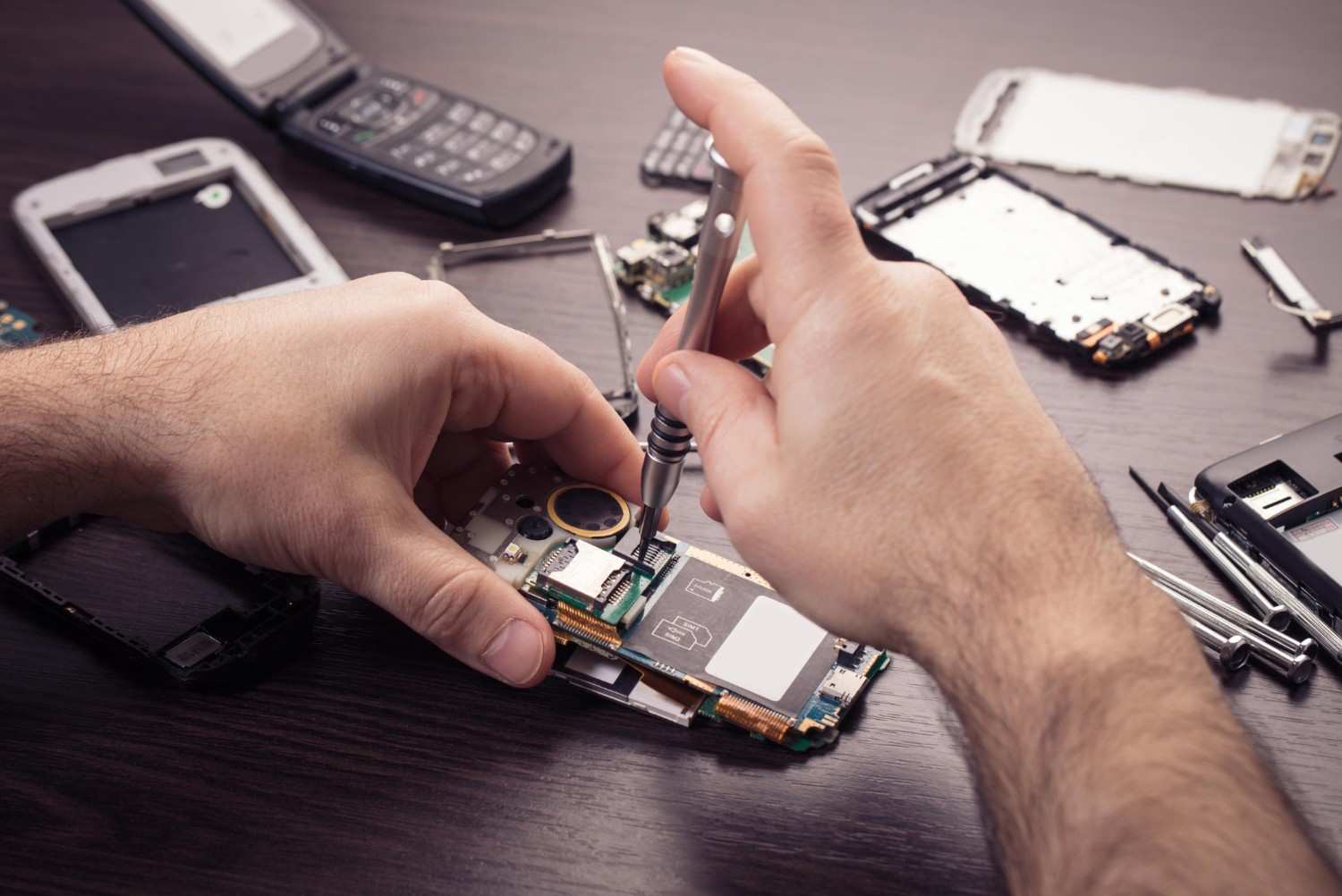
Phone Overheating Issues: Causes, Fixes & Professional Repair Solutions
If your phone feels like a hot brick in your hand, you aren’t just dealing with an annoyance you are dealing with a silent killer for your hardware. Phone heating issues are more than just a performance glitch; they are a warning sign.
When a device overheats, the CPU throttles, the battery degrades, and internal components can even melt or warp. Before your minor mobile overheating problem turns into a permanent motherboard failure, you need to take action.
What to Do Immediately When Your Phone Overheats
If your phone is burning up right now, follow these emergency cooling steps:
- Close All Apps: Stop the CPU from working harder than it needs to.
- Remove the Case: Most phone cases trap heat; let the phone “breathe.”
- Turn Off the Phone: This is the fastest phone overheating fix to stop all internal heat generation.
- Avoid Charging: Charging creates heat; doing it while the phone is already hot is dangerous.
- Move to a Cool Place: Get out of the sun and away from hot surfaces.
Warning: Never put your phone in the fridge or freezer. Rapid temperature changes can cause internal condensation, leading to water damage.
Why Is Your Phone Overheating? (Main Causes)
Understanding why is my phone getting hot is the first step toward a long-term solution. Here are the most common culprits:
1. Heavy App Usage & Gaming
High-end gaming or video editing forces the CPU and GPU to run at maximum capacity, generating massive amounts of heat.
2. Failing Battery
An aging or damaged battery can cause a chemical mobile overheating problem during discharge or charging cycles.
3. Background Apps & Syncing
Too many apps running “ghost” processes in the background drain your power and keep the processor active 24/7.
4. Environmental Heat
Direct sunlight or leaving your phone in a parked car can raise internal temperatures to a breaking point.
5. Outdated Software
An unoptimized OS or buggy apps can create a “loop” that keeps the processor running at 100% for no reason a common Android overheating fix is simply updating your software.
Signs Your Phone Overheating Is Serious
Not all heat is “normal.” It’s time to worry if you notice:
- Idle Heating: Your phone gets hot even when you aren’t using it.
- Sudden Shutdowns: The phone turns off automatically to prevent a fire or total meltdown.
- Battery Swelling: If the back of your phone looks “puffy,” stop using it immediately.
- Lag & Freezing: Extreme heat causes the software to crawl.
How to Reduce Phone Heating at Home
For minor phone heating issues, this solution might work:
- Lower Brightness: High brightness is a major heat source.
- Disable Background Refresh: Turn off GPS, Bluetooth, and Wi-Fi when not needed.
- Update Your Apps: Developers often release patches to fix “battery-hogging” bugs.
- Restart Frequently: This clears temporary cache files that might be causing glitches.
When You Need Professional Phone Repair
If you’ve tried the fixes above and your iPhone overheating problem or Android lag persists, the issue is likely hardware-based. This usually means:
- The battery has reached its end-of-life.
- There is a short circuit on the motherboard.
- The internal thermal paste or heat-shielding has failed.
Best Solution for Phone Overheating: FixMoviles
When DIY fixes fail, you need an expert eye. FixMoviles provides the most reliable mobile repair services to cool down your device for good.
- Expert Diagnosis: We use thermal imaging and diagnostic tools to find the exact heat source.
- Genuine Battery Replacements: We replace old, dangerous batteries with certified, high-quality parts.
- Hardware Inspection: We check for short circuits that “home fixes” can’t see.
- Fast & Affordable: Get your phone back the same day without breaking the bank.
- Warranty Included: We stand by our repairs so you can browse with peace of mind.
Our Simple Repair Process
- Inspection: We check your battery health and CPU load.
- Diagnosis: We identify if it’s a software bug or a hardware failure.
- Repair: We fix or replace the faulty component.
- Testing: We stress-test the phone to ensure it stays cool under pressure.
Stop Phone Overheating Before It Gets Worse
Don’t wait for your screen to pop or your battery to fail. Ignoring a hot phone today could mean buying a new one tomorrow. Trust the best phone repair service FixMoviles near you.
FAQ: Phone Heating Solutions
Why is my phone overheating suddenly?
It’s usually due to a rogue background app, a failing battery, or a software update that didn’t install correctly.
Can overheating damage my battery?
Yes. High heat is the #1 cause of permanent battery capacity loss and swelling.
How do I cool down my phone fast?
Turn it off, remove the case, and place it in front of a fan (not in a fridge!).
Is it normal for a phone to get hot while charging?
A little warmth is normal, but if it’s too hot to touch, you likely have a faulty cable, charger, or charging port.
How much does an overheating repair cost?
Costs vary based on the fix (battery vs. motherboard). At FixMoviles, we offer a free initial diagnosis to give you an honest quote.
Recent Blogs
Phone Overheating Issues: Causes, Fixes & Professional Repair Solutions
If your phone feels like a hot brick in your hand, you aren’t just dealing with an annoyance you are
Touch Screen Not Working? Here’s What You Should Do
We have all been there. You are in the middle of an important call or trying to send an urgent